From one design to a whole season.
Design once. Publish forever.
Brixa Studio is the essential piece in automating your publications. We don't compete with your design tool — we put your designs to work.
Design where you love
Claude Design, Figma, Canva or your own files. No designs yet? We hand you a ready-made prompt so Claude Design creates a full starter kit for your business.
We split it into layers
Bring the design over and Brixa rebuilds it as a template: photo, headline, price, logo, colors — each one a layer, each one declared fixed or variable.
Your assistant publishes
"New post: Santorini, €499, this photo." The variable parts change, the fixed parts can't be touched — not even by the AI. The design is guaranteed, every single time.
That's what the video above shows: ● FIXED layers guarantee your design — ● VARIABLE layers change with every publication. Same template, endless pieces.
One template. Infinite pieces.
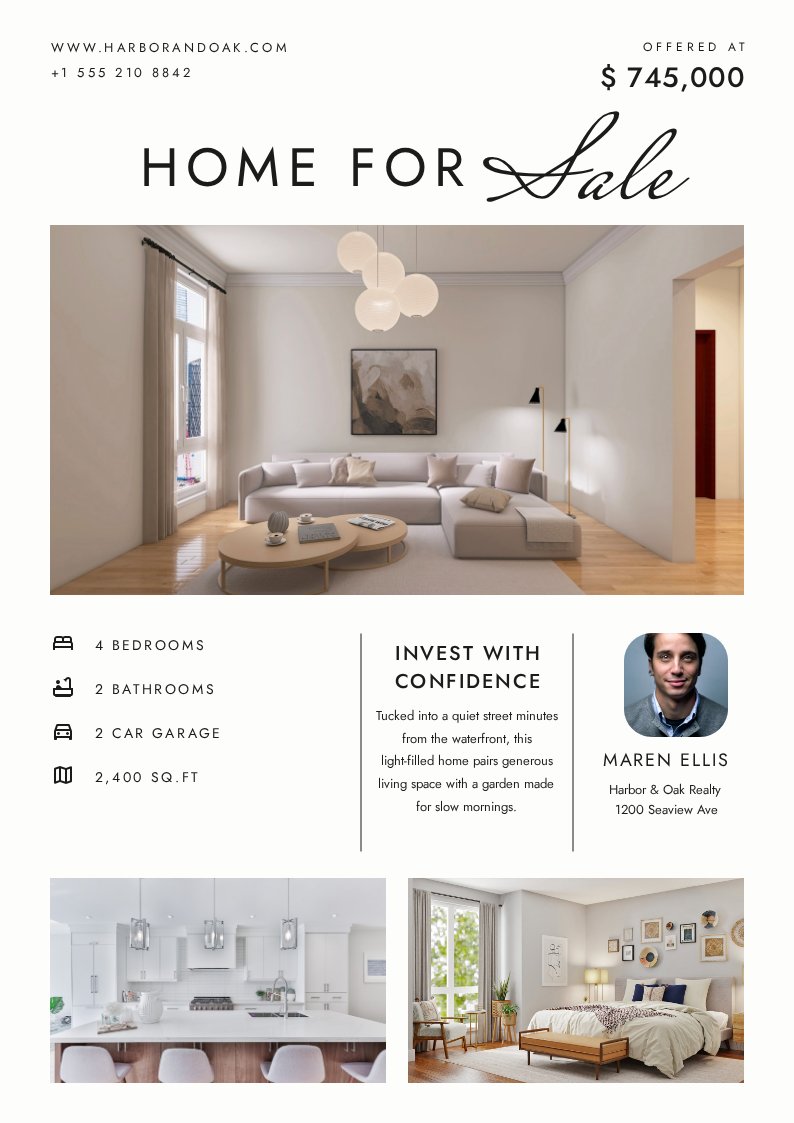
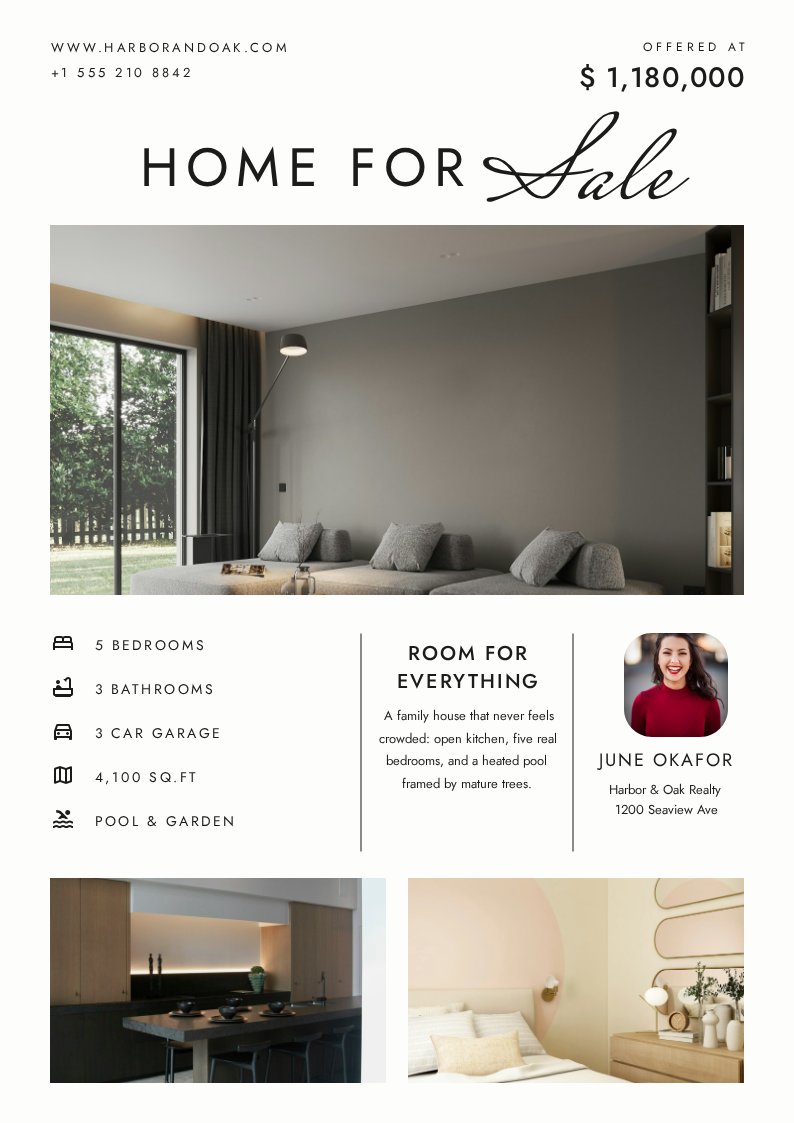
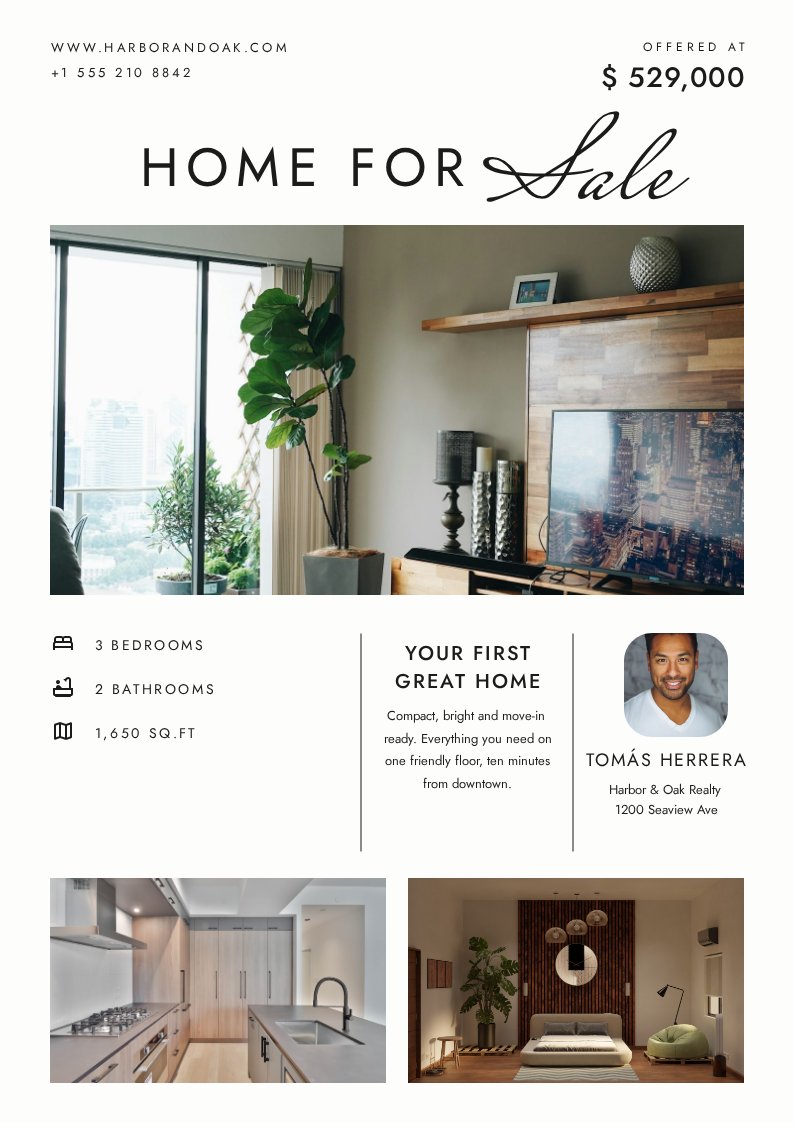
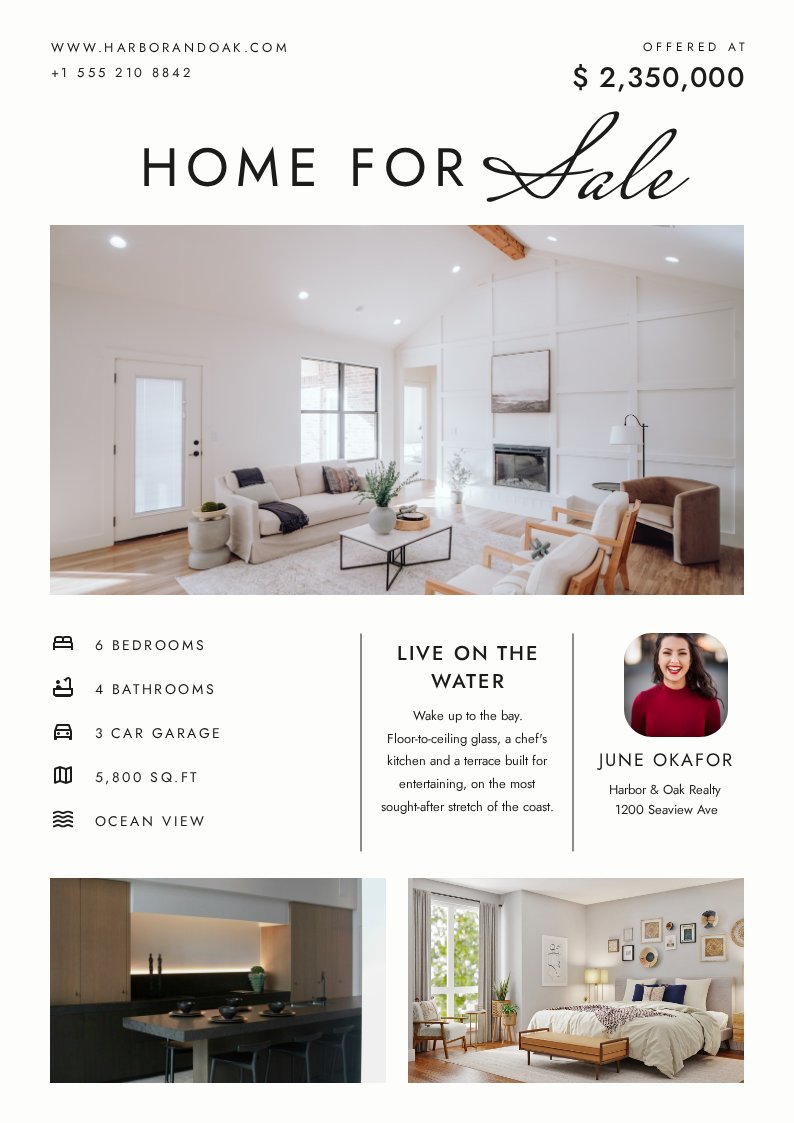
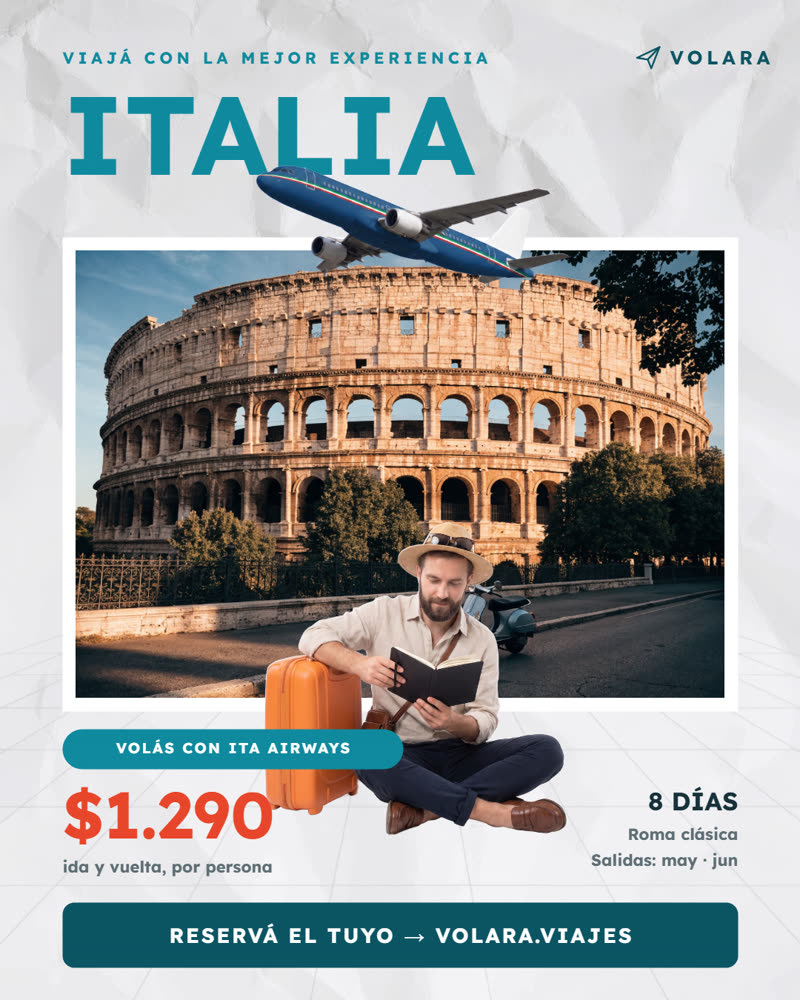
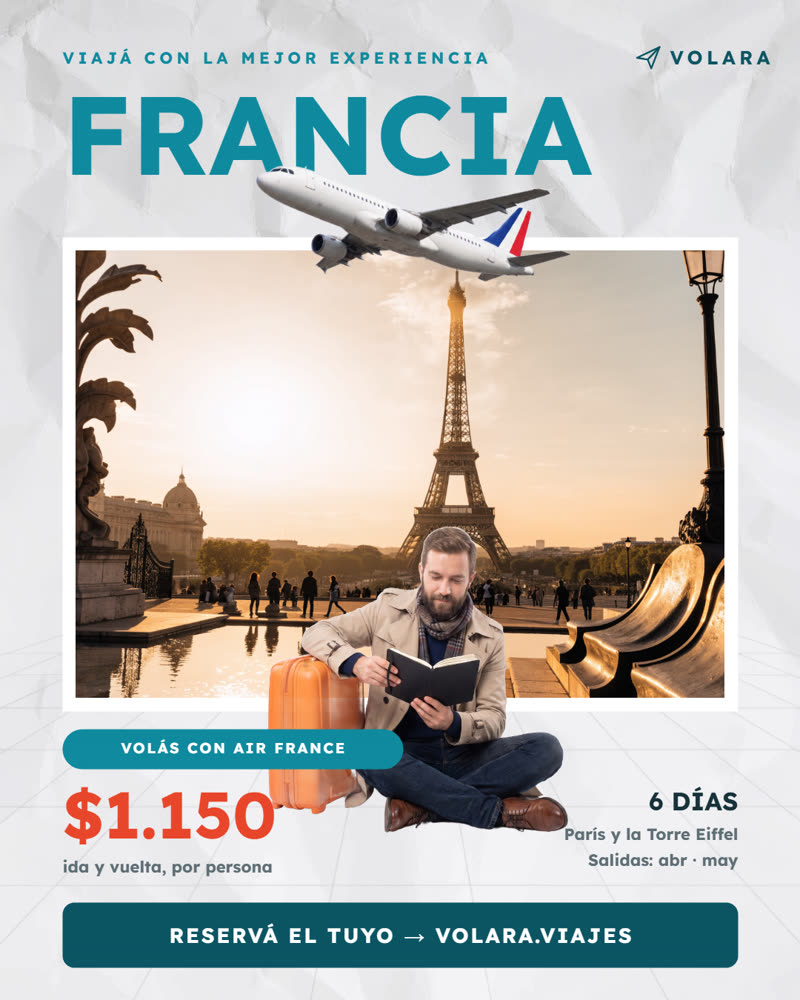
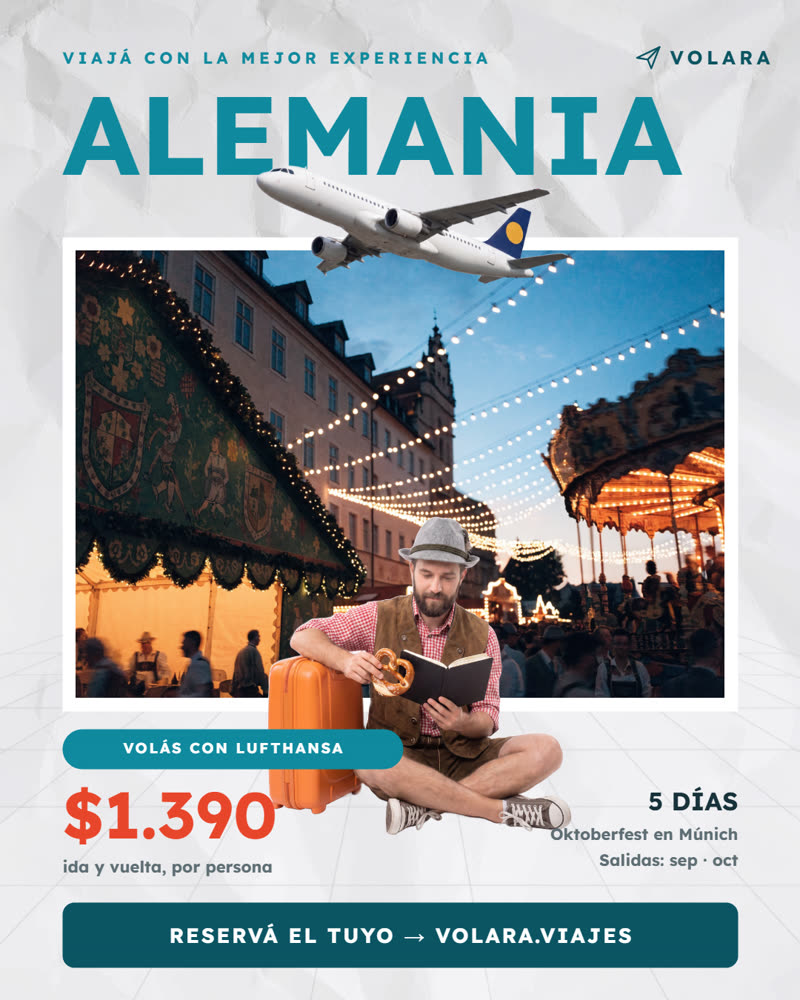
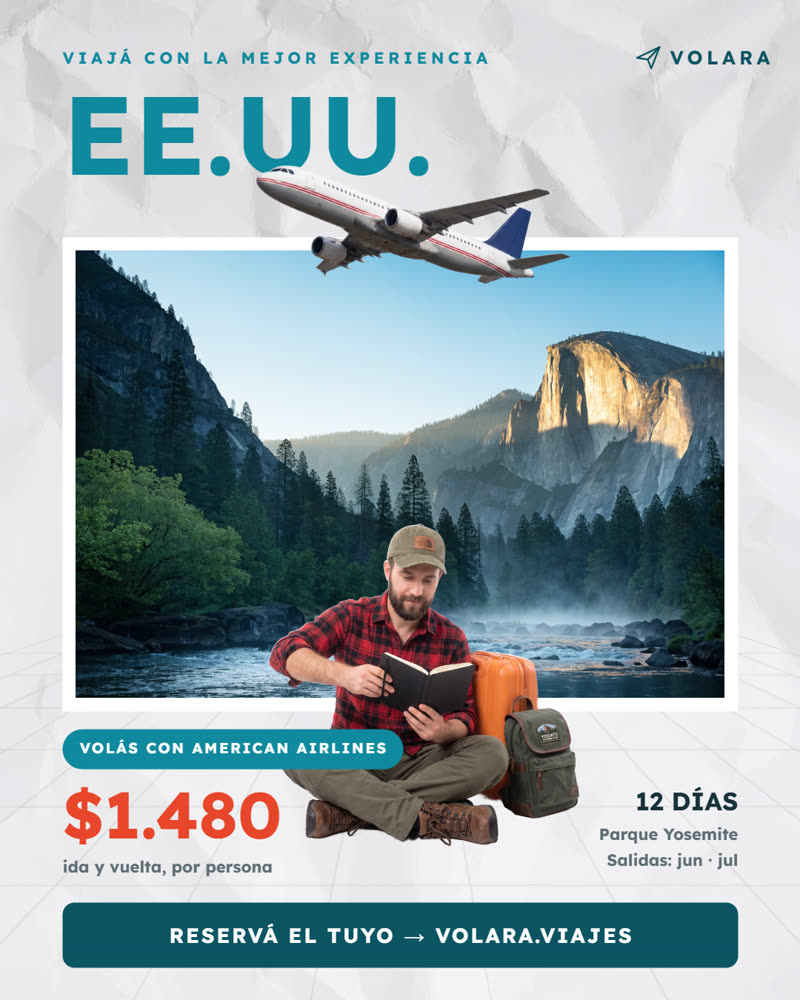
This is one frozen design. Watch the content change — the layout, logo and colors never move. Same template, a different piece every time.

 Argentina
The power tools, included
What design suites charge a subscription for, your assistant simply does:
Auto-resize
"Turn this story into a square post" is one ask: layout, type, logos and charts re-fit the new format automatically.
QR codes
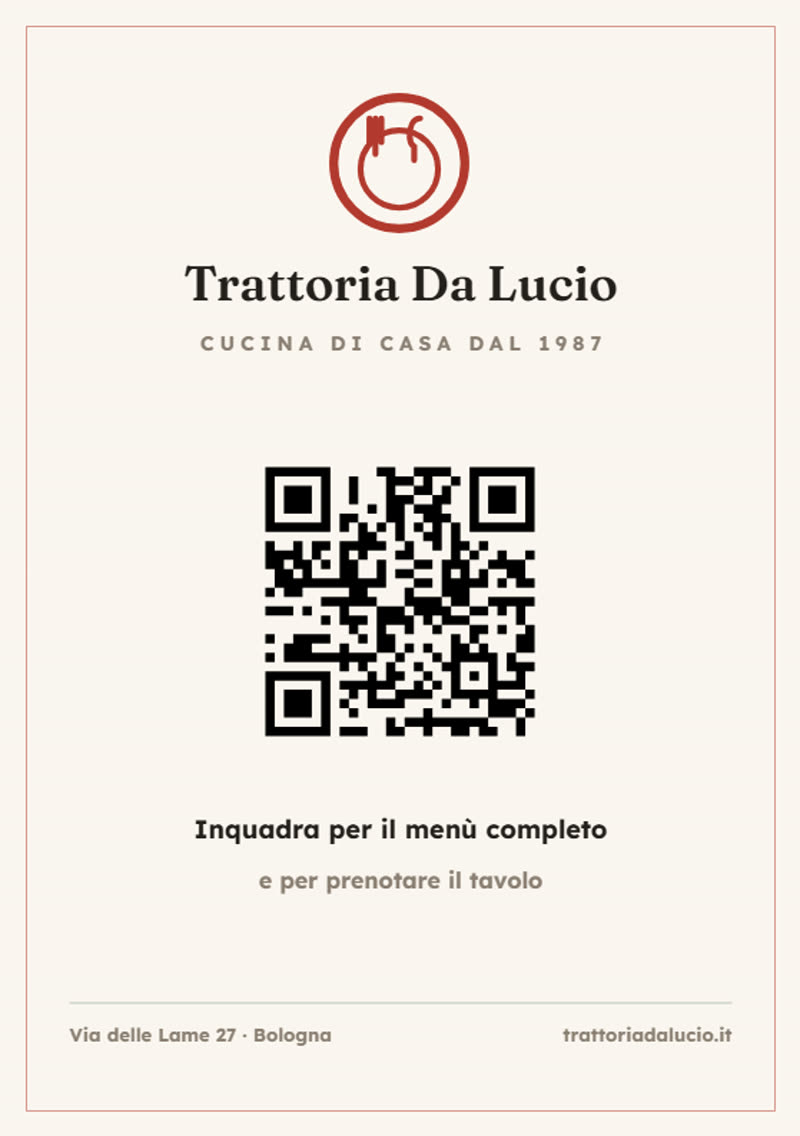
Drawn natively by the engine — menus, bookings, verifiable certificates. Change the link and the QR redraws itself.
PDF & certificates
Print-ready A4/A5 documents and course certificates by the batch — one per student, each as a PDF.
Honest data charts
The number drives the bar. A chart that contradicts its own label is impossible.
Multi-language
One template, every market: fixed texts translate per language at generation time. A brand glossary keeps your names untouchable in every language, and one request translates the whole kit.
Brand kit by tokens
Colors, logos, typography, even your licensed fonts — change the brand once, every template follows.
Video, on brand
Drop your branded frame onto any video, turn a carousel into a reel — or build a video template: branded intro and outro locked, one clip slot in the middle. Every video opens and closes the same.
Tables that fit the data
"Generate the menu with today's 9 dishes" — the sample row clones itself per dish. Invoices, price lists, menus: 4 rows or 12, the design never breaks.
Multi-page catalogs
"Here are my 38 products with their categories" — pages appear as needed, each category opens with its divider, cover and back included. One PDF out.
Barcodes & star ratings
Code 128 barcodes and rating stars drawn by the engine — shipping labels and review cards that never pixelate.
Every Google Font
Ask for any of the 1,950 Google Fonts families by name — weights and italics included — and it works with no setup: your assistant searches the catalog first and warns you when a weight doesn't exist. Material Symbols (4,284 icons) and full-color emoji are drawn natively, and your own licensed fonts register in one step.
Claude Design import, faithful
Design in Claude Design — or in anything that exports HTML — and the import rebuilds it as a template exactly: inline SVG logos and icons, shadows, gradients, per-corner radii, z-order, opacity, rotation, accent bars, and the background photo as its own layer. Whatever it can't reproduce, the import report says out loud — nothing is lost in silence.
Photo effects, in the template
Blur, grayscale, sepia, invert, brightness, contrast, saturation and hue-rotate with the exact CSS semantics — measured pixel by pixel against Chromium. Plus recoloring for icons and logos, blend modes, shadows, asymmetric corners, rotation and frosted-glass cards (backdrop blur), all declared in the template so every piece comes out the same.
Video templates — your brand in motion
The same layered idea, applied to time: an intro and an outro locked to your brand (their titles are slots), one variable clip slot in the middle with a declared duration cap. One ask and the engine renders the plates, trims the clip to the declared window — never silently — keeps its audio and cross-fades everything into one MP4.
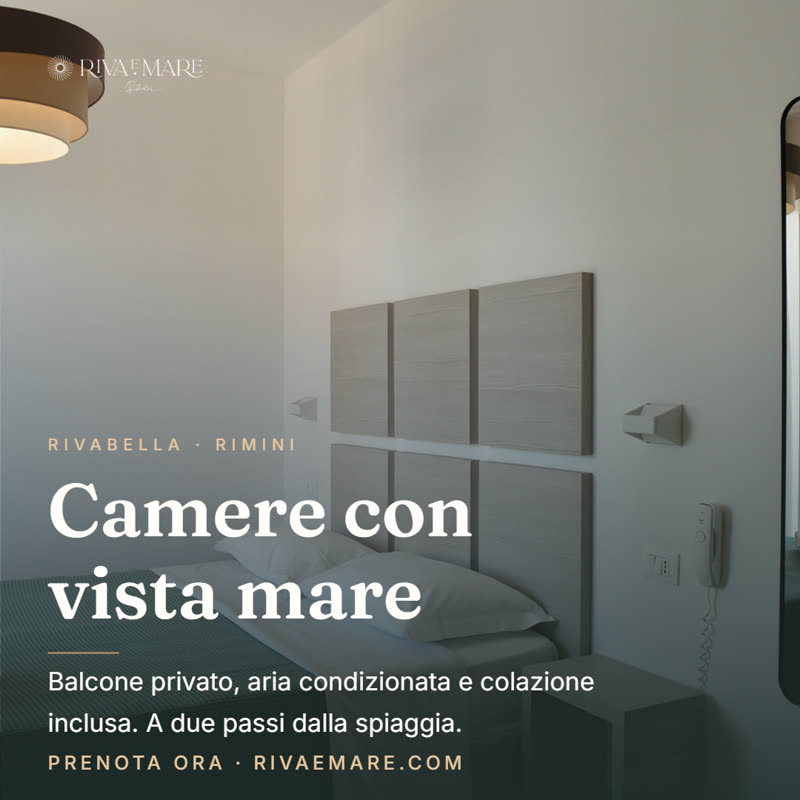
"Generate the room video with this clip, titled 'Camera vista mare'."← That exact ask produced this video: generated end-to-end by an AI assistant with Brixa Studio, zero manual editing. Real photos of a real hotel room in Rimini.
Templates made with Brixa
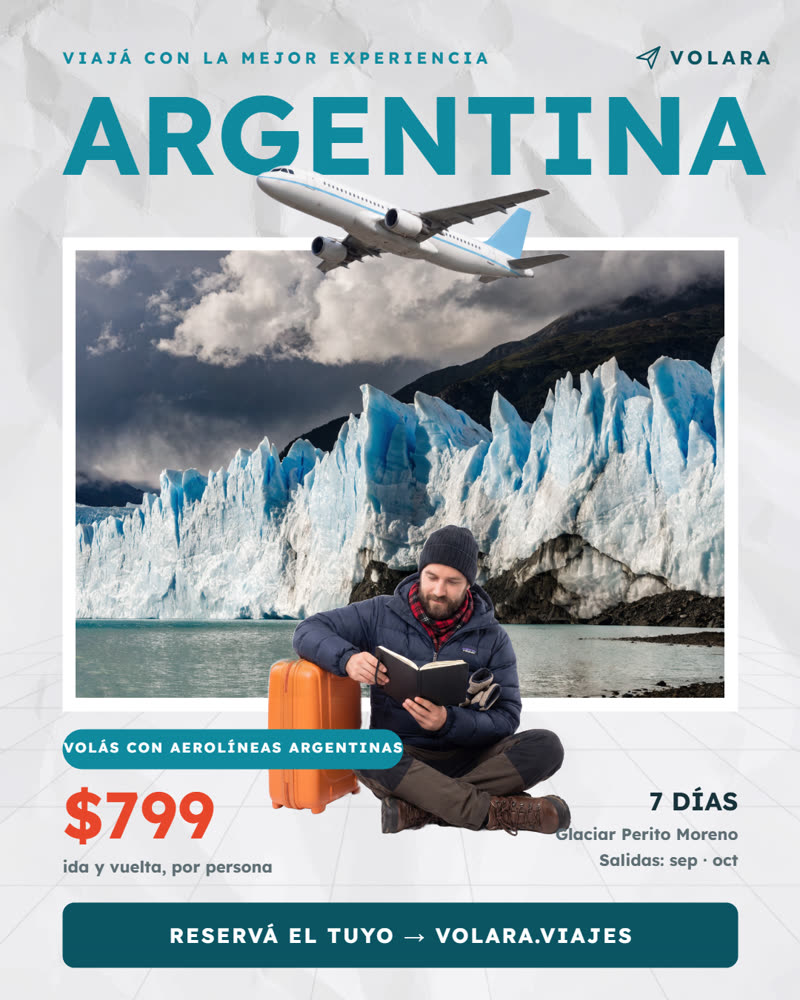
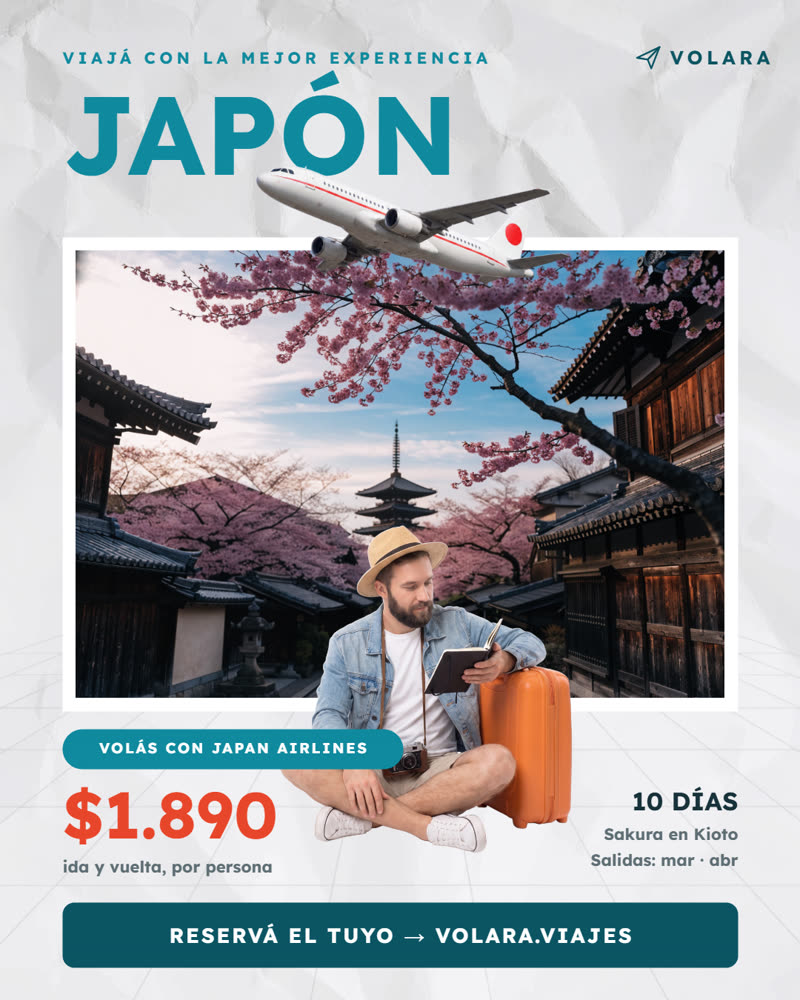
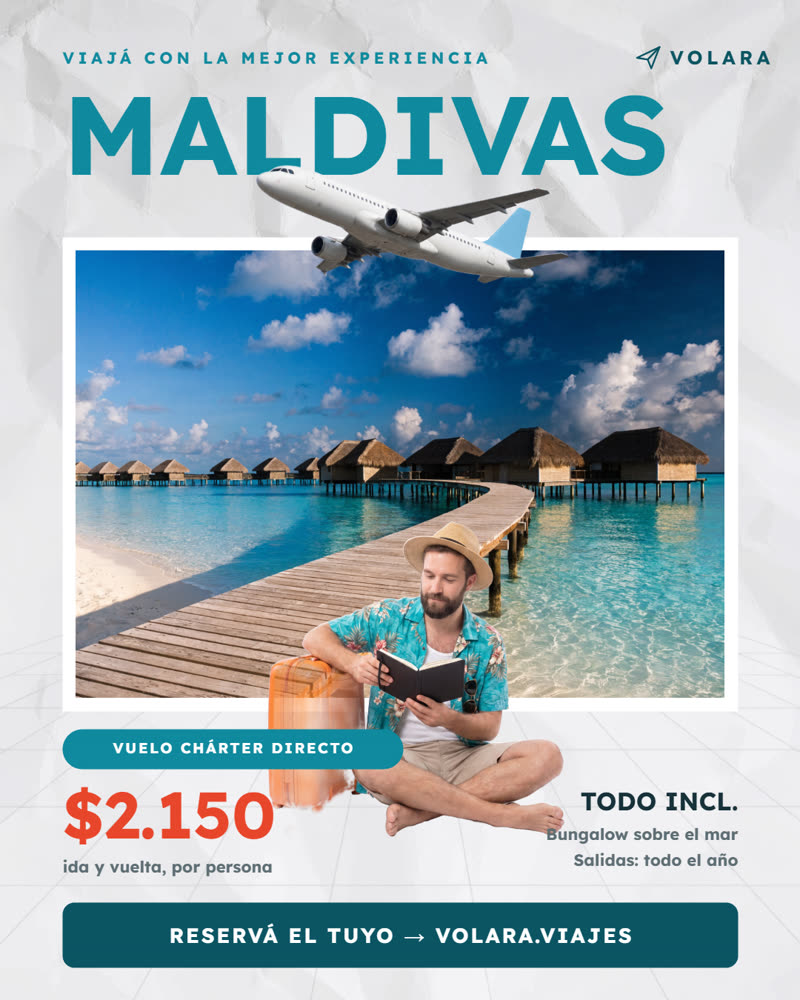
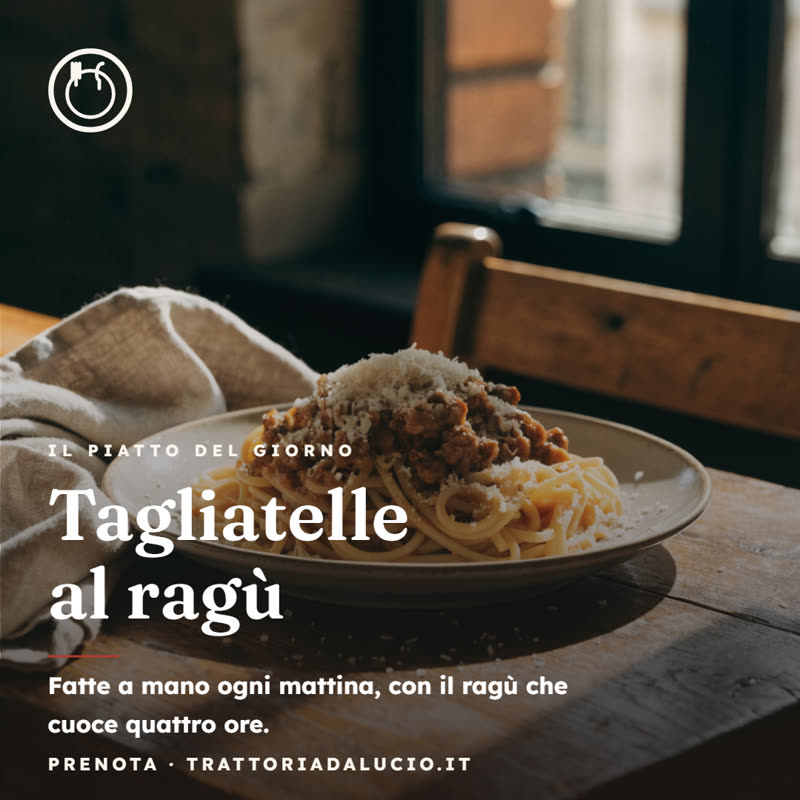
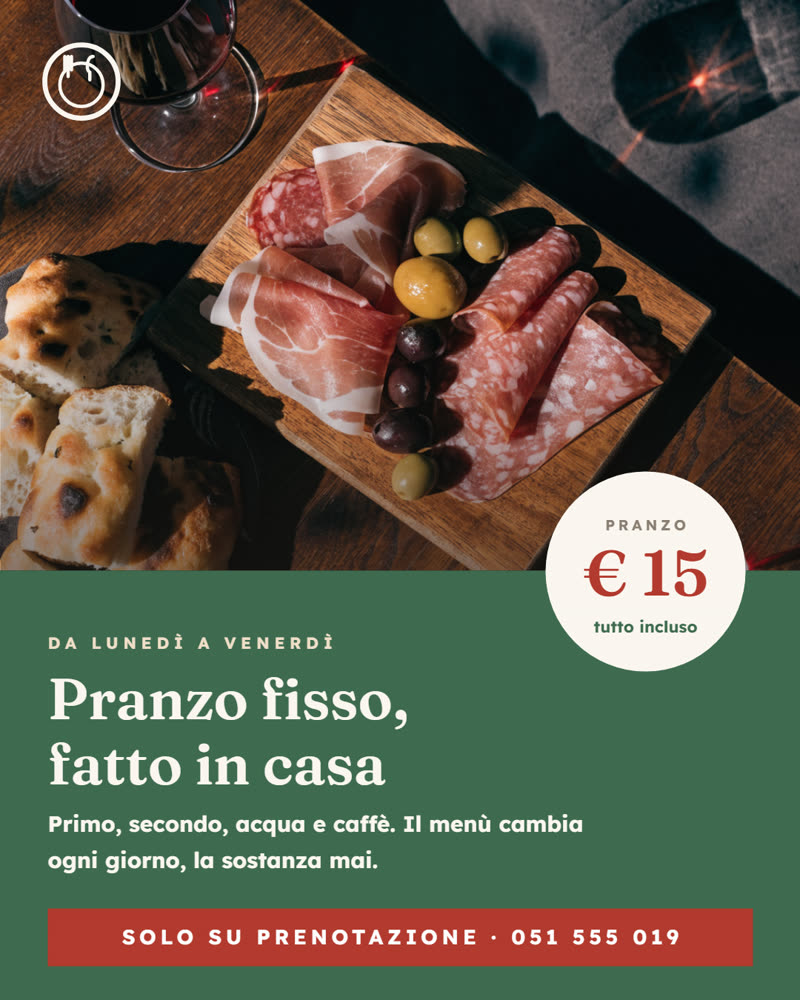
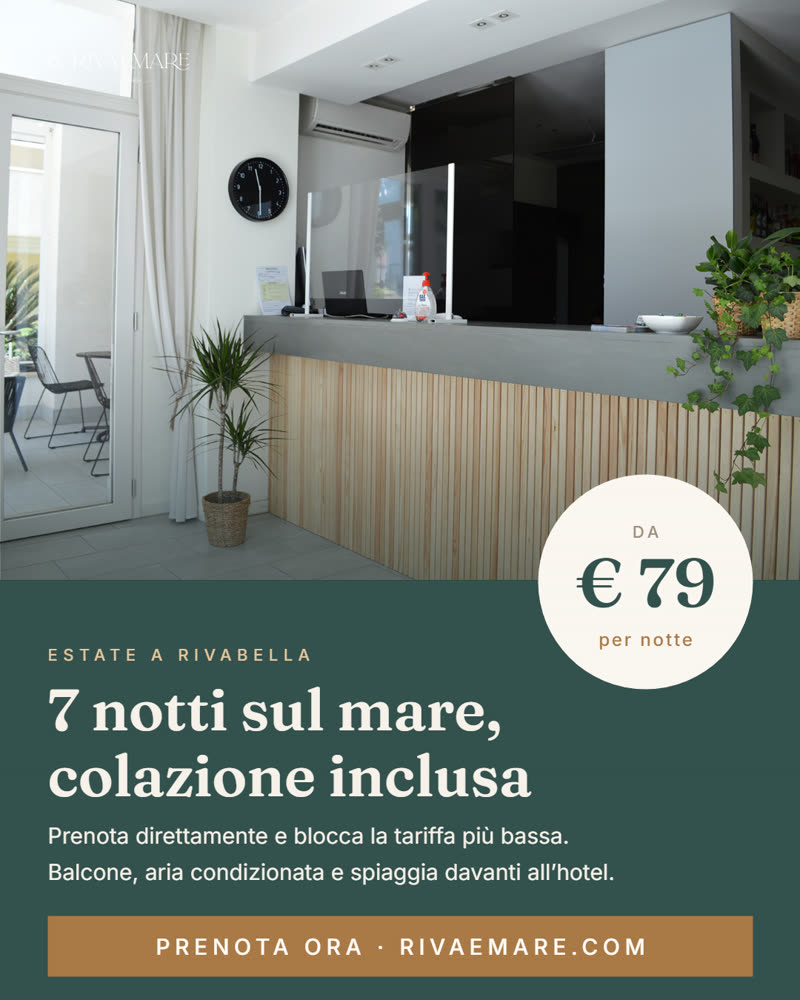
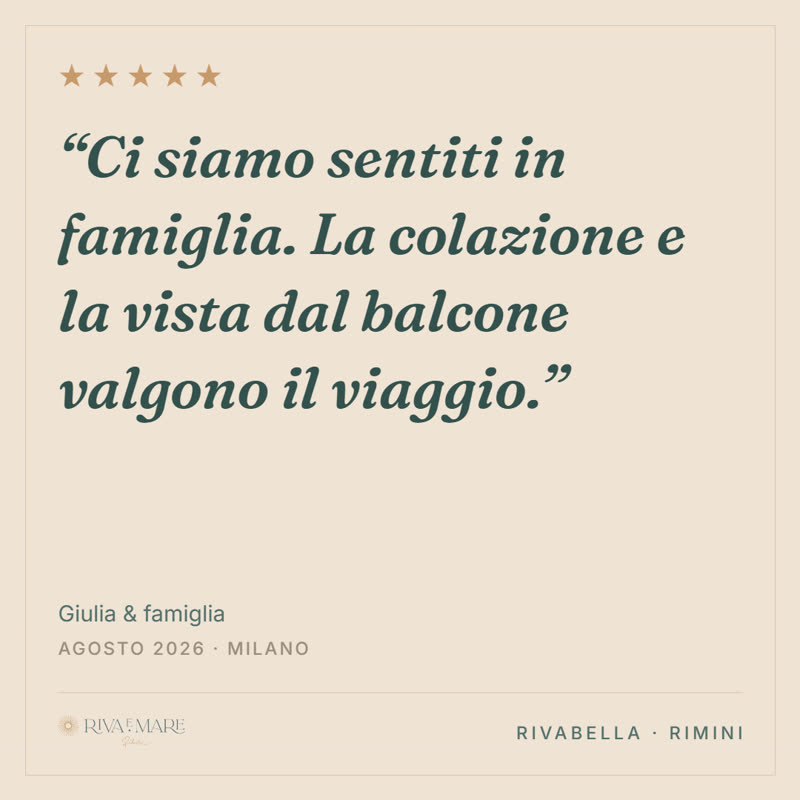
Real templates, rendered by our engine — the same travel template with eight different contents, a trattoria's kit, a boutique hotel's kit.
What is Brixa Studio?
Brixa Studio is a web application that turns your designs into reusable layered templates, so AI assistants like Claude and ChatGPT can generate on-brand graphics for you: social posts, price lists, certificates and LinkedIn carousels. You create an account to store your projects, brand assets and templates. If you sign in with Google, we only use your name, email address and profile picture to authenticate you — we never access your files, contacts or anything else. Details in our Privacy Policy and Terms of Service.
Every format, ready to go
Templates are made for a destination, not a pixel size — pick where it goes and the canvas is set:
- Instagram post 1080×1350
- Instagram square post 1080×1080
- Instagram story 1080×1920
- LinkedIn post 1080×1350
- LinkedIn carousel 1080×1350
- LinkedIn landscape post 1200×627
- Facebook post 1200×630
- X (Twitter) post 1600×900
- YouTube thumbnail 1280×720
- Email header 1200×400
- Presentation slide 1920×1080
- A4 document (PDF) 794×1123
- Certificate (A4 landscape) 1123×794
- Social cover 851×315
- Invitation (5×7") 1500×2100
- Free canvas any custom size
Not another canvas
Canva gives everyone a canvas — and with it, the power to nudge your logo, stretch your palette and break your brand one post at a time. Brixa Studio freezes the design: only the declared layers change, so the tenth piece looks as sharp as the first.
Figma and Claude Design are where great designs are born — and we love them for that. Brixa Studio is where those designs go to WORK: import them, declare what is variable, and let anyone on the team publish on-brand pieces by chat, without ever touching the original file.
No canvas to learn, no code, no API keys. You talk, your brand ships.
How to connect
Brixa Studio is used entirely through MCP (Model Context Protocol) — there is no dashboard to learn. You talk to your AI assistant; the assistant talks to Studio.
- Claude (web or desktop): open the Connectors Directory and search Brixa Studio — it's listed and approved → Connect. Or paste the URL: Settings → Connectors → Add custom connector →
https://mcp.brixastudio.com/mcp. - ChatGPT (web, paid plans): first enable Developer mode — Settings → Security and login → turn on Developer mode (without it, custom connectors don't appear). Then Settings → Connectors → Create → paste
https://mcp.brixastudio.com/mcp(OAuth) → in each chat, open + → Developer mode and enable Brixa Studio. - Sign in when the Brixa Studio window opens — or create your account right there. Your projects and brand stay yours.
- Then just talk: "turn this design into a template", "new post: Santorini, €499, this photo", "export the carousel as PDF".